Hiku Scanner
Scan it, and it’s on your list.
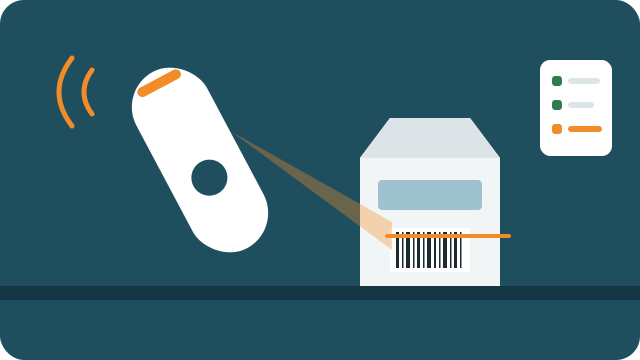
Gives a hiku barcode scanner a second life. Scan a product and it lands on your Bring! shopping list, or goes into or out of your Stock pantry.
How it works
- Connect your scanner, Bring! and Stock in settings.
- Print the mode and location codes and stick them where you need them.
- Scan a mode code, or press the button twice, to switch between shopping list, stock in and stock out. Each mode has its own sound.
- Scan products. A barcode nobody knows waits here for you to name it once.
Your data
Your products, locations and scan history are kept for your account only. Barcodes are looked up in Open Food Facts, which is shared and anonymous. Your Bring! and Stock tokens are stored encrypted.
You log in with your J-Tools account.